
Manufacturing ERP Software for Saudi Arabia & GCC
Smarter inventory management for growing manufacturing business. Get clear visibility of your profits and margins with software that provides accurate cost for finished goods.
Schedule A Demo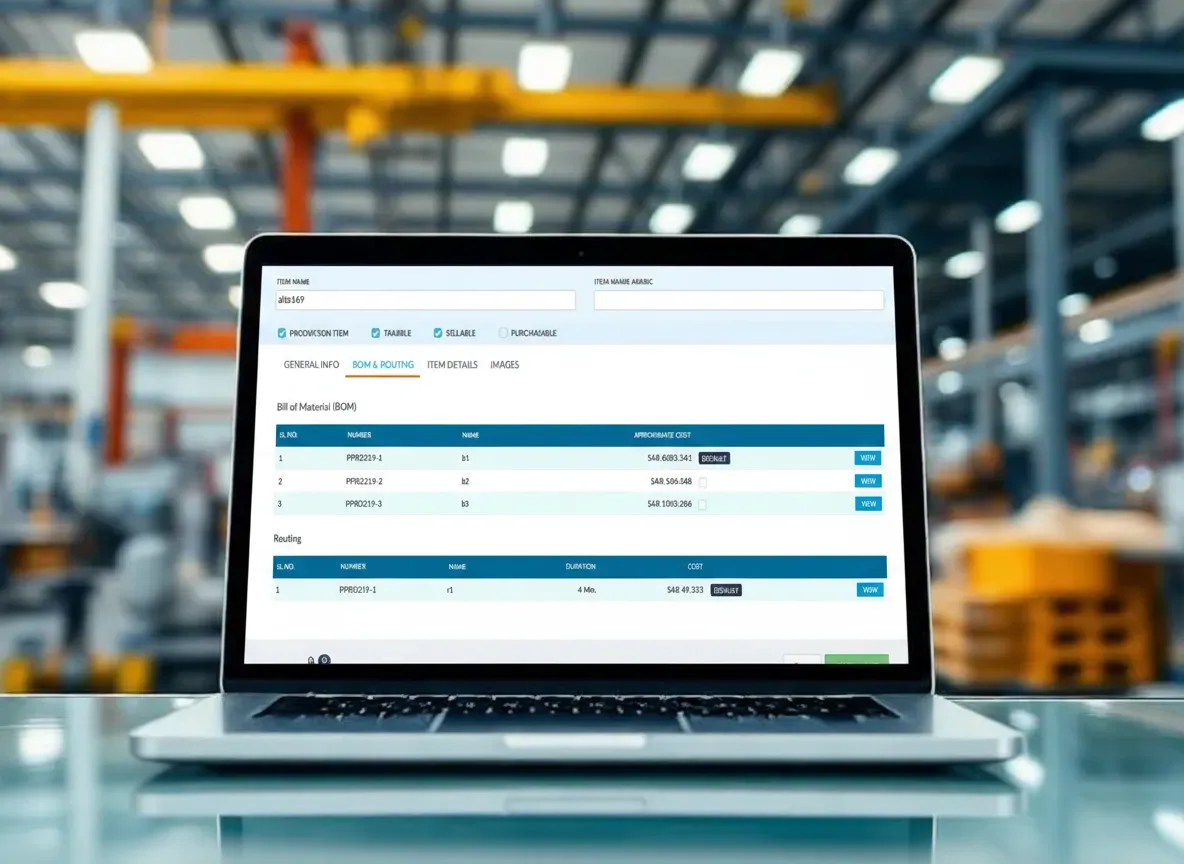
Pre-Builds
Instead of listing every bolt, bracket, and hour of labour separately on each quote, you define a pre-build once and drop it into any job or invoice as a single line item. You decide what goes in: materials only, labour only, or both. It keeps your paperwork clean and your pricing consistent across projects.
- Define a pre-build once, reuse it across jobs, quotes, and invoices
- Choose what to include: materials, labour, or both
- One line item instead of dozens on every document
- Lock in standard pricing for recurring products
- Compare actual costs against the pre-build estimate after the job
- Update a pre-build and the change applies to future jobs automatically
Backordering
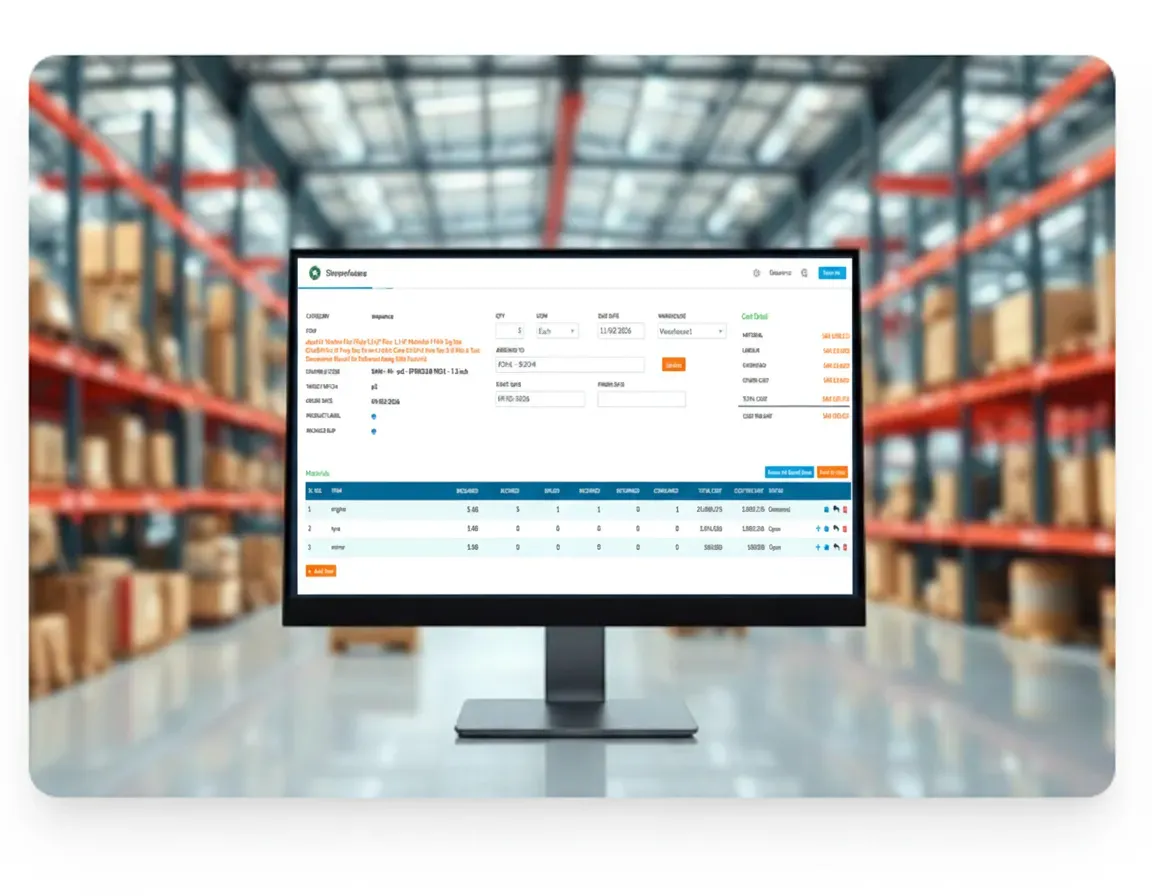
When a customer orders 500 units and you have 300 in stock, you don't need to hold the entire order. Ship what's available now, and the system creates a backorder for the remaining 200. It places the purchase order automatically, tracks when the stock arrives, and notifies you when it's ready to ship. No manual follow-up needed.
- Ship available stock immediately. Don't hold the whole order
- System generates backorders for the remaining quantity automatically
- Purchase orders created and linked to backorders in one step
- Track each backorder with expected delivery dates
- Get notified the moment backordered stock arrives at your warehouse
- Customer sees one order with clear status updates for each shipment
Bundling (Kitting)
You sell a water heater, a mounting kit, and a thermostat separately, but most customers buy all three together. With kitting, you group them as a single product with its own SKU and price. When someone orders the bundle, the system deducts each component from inventory individually, so your stock counts stay accurate without extra work.
- Sell related items as one product with a single SKU and price
- Inventory deducted per component. Stock counts stay accurate
- Set bundle pricing independently from individual item prices
- Assemble and disassemble kits as demand changes
- Create multiple kit configurations for the same base product
- Customers see one product; your warehouse sees the pick list
Multi-Level BOM
A Bill of Materials lists every raw material, component, and sub-assembly that goes into a finished product with exact quantities. When your product has parts made from other parts (sub-assemblies within sub-assemblies), you need a multi-level BOM. Tranquil lets you build these nested structures so production knows exactly what to make, in what order, and what to purchase before the line starts.
- List every material and sub-assembly with exact quantities per product
- Build nested BOM structures, sub-assemblies within sub-assemblies
- Production team sees the full breakdown before starting the line
- Calculate the true cost of a finished product from its components
- Track BOM revisions so you always know which version is current
- Flag missing components before production starts, not during
- Copy and modify existing BOMs to speed up new product setup
Production Scheduling
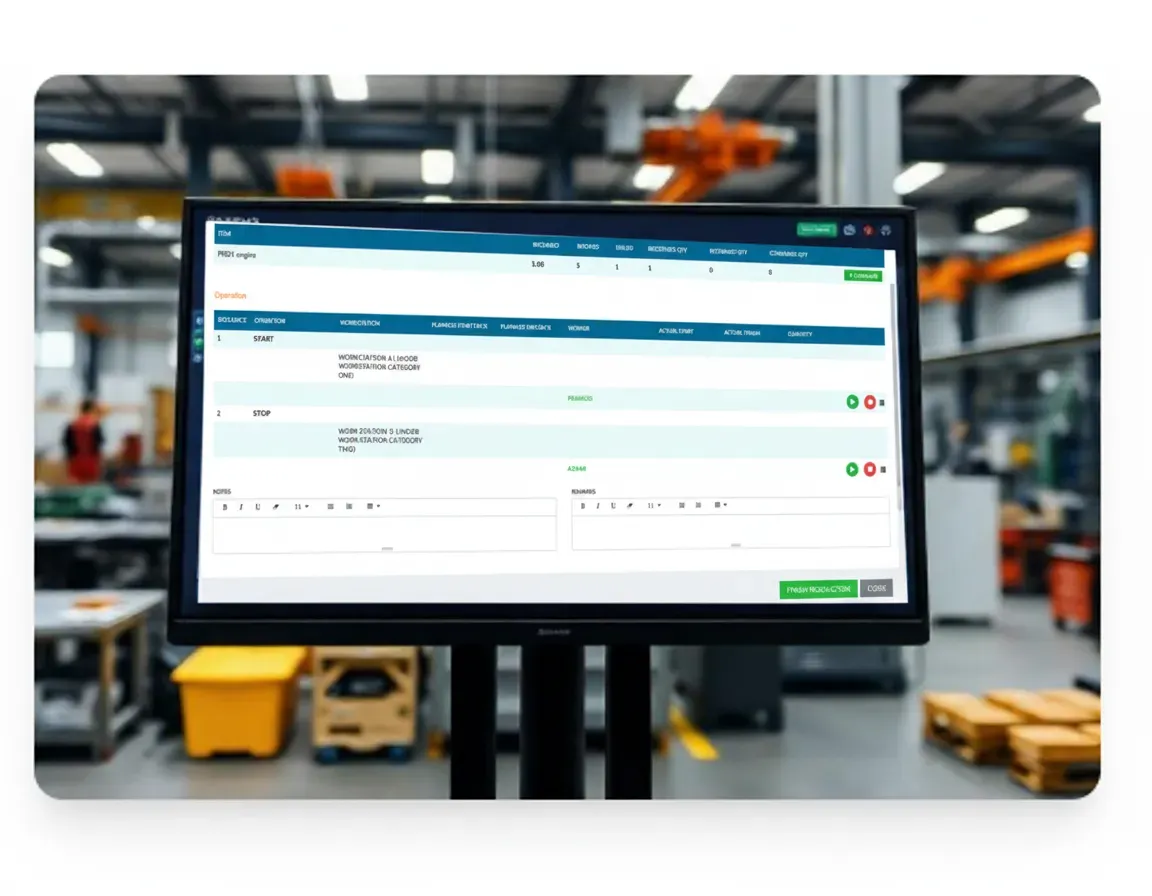
Production scheduling answers a simple question: what gets made, when, and with what resources? You assign machines, workers, and raw materials to production orders, set start and end dates, and the system tracks progress against the plan. When delays happen or priorities shift, you reschedule in the system and everyone on the floor sees the updated timeline.
Resource Allocation
Assign machines, workers, and materials to each production order based on availability
Timeline Tracking
Set start and end dates per order. Track actual progress against the plan daily
Priority Management
Reorder the production queue when urgent orders come in or delays happen
Capacity Visibility
See which resources are booked, which are idle, and where bottlenecks are forming
Material Planning
Before you start a production run, you need to know: do we have enough raw materials? If not, how much do we need and when should we order it? Material planning in Tranquil looks at your BOMs, current stock levels, and open orders, then tells you what's short and when to buy it. No more stopping the line because someone forgot to order a component.
- Cross-reference BOMs with current stock to find shortages instantly
- Factor in open purchase orders and pending deliveries
- Generate purchase suggestions with quantities and timing
- Plan for forecasted demand, not just what's on order today
- Set minimum stock levels that trigger automatic reorder alerts
- Reduce excess inventory by ordering only what production actually needs
- See material requirements across multiple production orders at once
Barcode Integration
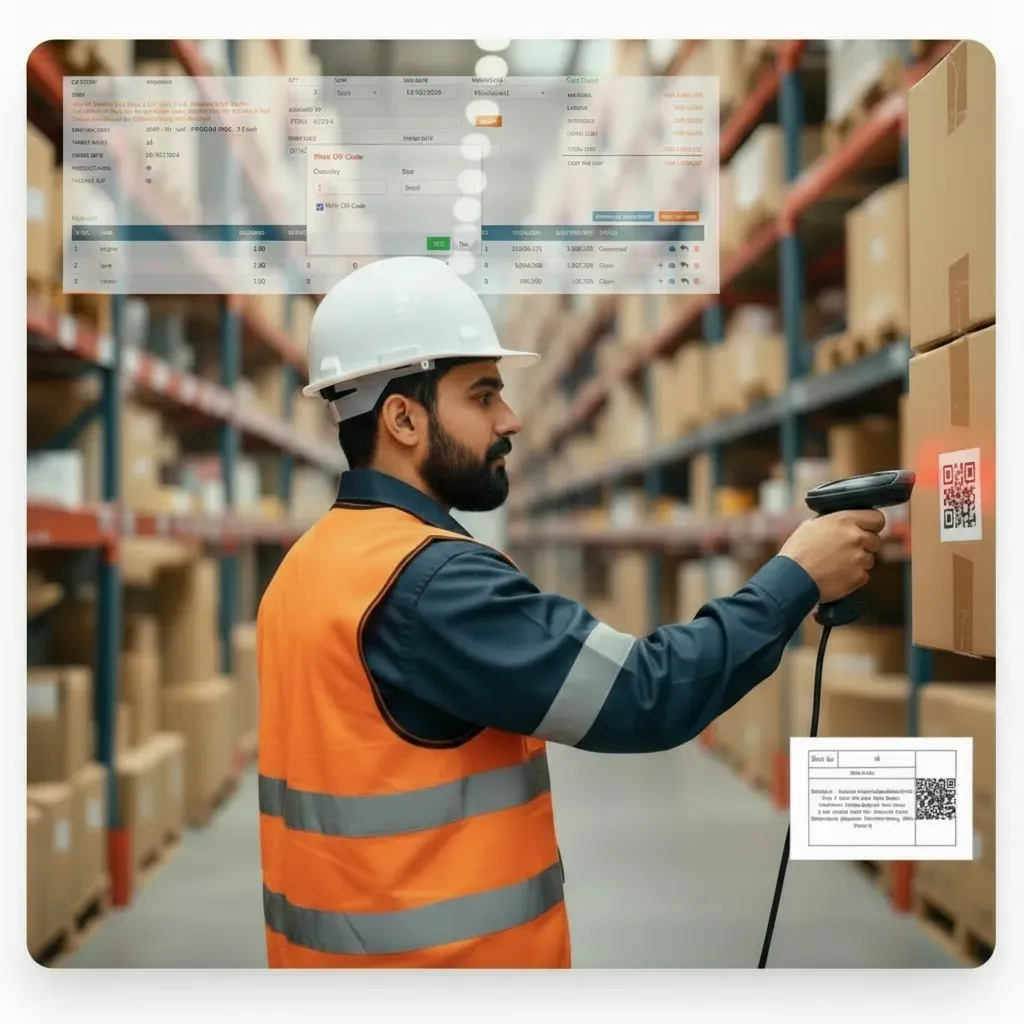
Every item in your warehouse gets a barcode. Scan it to receive, move, count, or ship. No typing part numbers, no handwritten logs. The barcode carries the item's description, quantity, lot number, and expiry date. Your team scans, the system records. Receiving that used to take 2 hours now takes 20 minutes.
- Scan to receive, transfer, count, or ship. One workflow for all operations
- Each barcode carries item details: description, lot number, expiry, quantity
- Cut receiving time dramatically: scan instead of typing part numbers
- Reduce data entry errors to near zero across warehouse operations
- Track inventory location in real time as items move between zones
- Support for standard 1D barcodes and QR codes
- Print barcode labels for items, shelves, and bins directly from the system
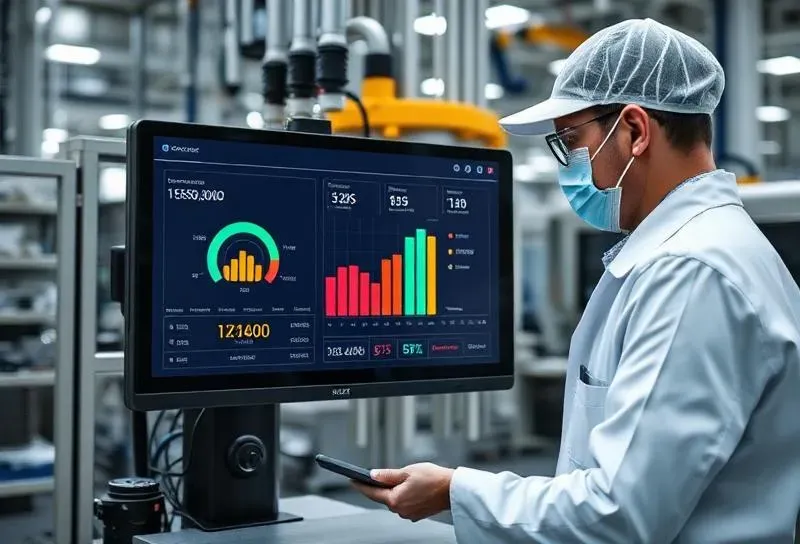
Quality Check
Set up inspection checkpoints at receiving, during production, and before shipping. At each checkpoint, your team logs pass/fail results against the criteria you define: dimensions, weight, visual inspection, or any custom parameter. Failed items get flagged, quarantined, and routed for rework or rejection. You get a complete quality trail for every batch.
- Define inspection checkpoints: receiving, in-process, and pre-shipment
- Set custom pass/fail criteria: dimensions, weight, visual, or your own parameters
- Failed items flagged and quarantined automatically
- Route rejected items to rework, scrap, or supplier return
- Full quality trail for every batch. Who inspected, when, what was found
- Attach photos and notes to inspection records for documentation
- Generate quality reports per product, supplier, or production line
Request a Free Quote
We would be happy to show you our software and help you determine if Tranquil ERP is right for your business.
Contact Us