
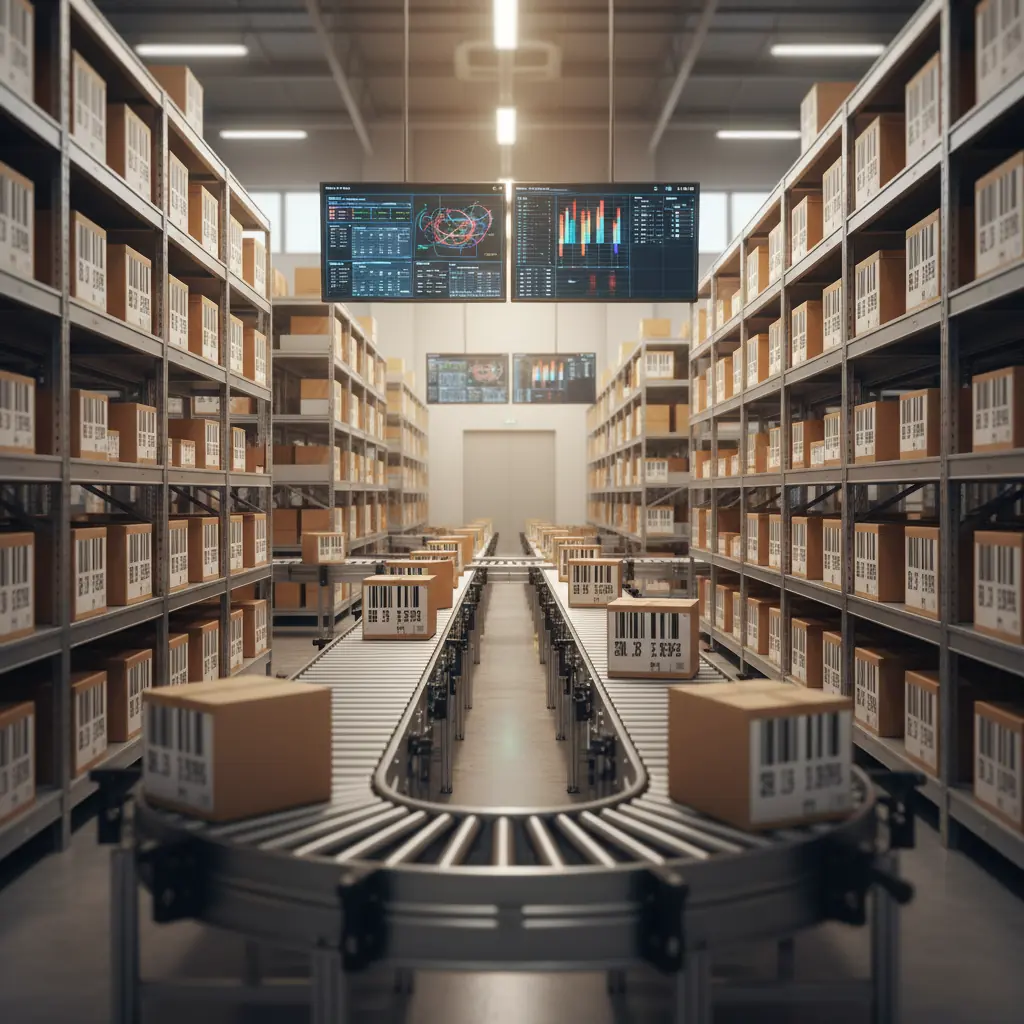

Why Use a Barcode for Tracking Inventory and Assets?
In a warehouse that receives dozens of deliveries and ships hundreds of lines a day, every number typed by hand is a chance to get it wrong. Someone keys item 10452 instead of 10425, and the system now shows stock that never arrived while the stock that did arrive has vanished. A month later the difference turns up in the count and nobody knows when it started. Barcodes do not make people more careful. They remove the need to type at all: scan the label and the code is read exactly as printed.
Linear barcodes and QR codes are the simplest and cheapest forms of automatic identification. Labels cost very little, scanners and mobile apps are affordable, and the benefit shows up in every transaction: receiving, put-away, picking, counting and moving assets between sites. But the value does not come from the label. It comes from linking the scan to a system that updates quantity, location and custodian the moment it happens.
This guide explains the difference between linear barcodes and QR codes, shows where each fits in inventory and fixed asset tracking, compares them with other technologies, lays out a step-by-step rollout, and covers the mistakes that sink barcode projects and the role of an ERP.
Linear Barcodes and QR Codes
Linear (1D) barcodes
Parallel vertical bars of varying widths that encode a number or short string, usually an item code. They are the oldest and most widespread format, printed on most retail products. Laser scanners read them very quickly, but they hold little data, need the scanner roughly aligned with the bars and struggle when part of the label is damaged.
QR codes (2D)
A square matrix of black and white modules that holds far more data in less space: item code, batch number, expiry date, serial number, even a link. The QR code was developed in 1994 by a team led by Masahiro Hara at Denso Wave in Japan to track automotive parts on factory floors. In other words, it was born as an inventory tool long before it reached marketing and payments. It reads from almost any angle, tolerates partial damage thanks to built-in error correction and can be read with an ordinary phone camera.
Saudi businesses already live with QR codes
E-invoicing has made QR codes routine for Saudi companies. A simplified tax invoice has had to carry a QR code since Phase 1, encoding the seller's name, VAT number, invoice timestamp, invoice total and VAT total. Under Phase 2 the QR code became mandatory on standard tax invoices too, with cryptographic data added. That code exists to verify the invoice, not to track stock, but it does mean many businesses already have label printers, scanners and staff who are used to the format.
| Aspect | Linear barcode | QR code |
|---|---|---|
| Data capacity | A number or short string | Multiple fields in a small label |
| Scan orientation | Needs rough alignment | Any angle |
| Damage tolerance | Limited | Higher, via error correction |
| Phone scanning | Possible but slower | Easy with the camera |
| Best fit | Item codes on product packaging | Batches, expiry, serials, assets |
Rule of thumb: if the label only needs to identify the item, a linear barcode is enough, and it is often already on the supplier's packaging. If you need to identify the individual unit, its batch or expiry, or scan with phones across scattered sites, use QR.
What Barcodes Do for Inventory
1. Accurate data capture
Manual entry suffers from swapped digits, misreads and end-of-shift fatigue. Scanning reads the code as printed, so that class of error almost disappears. What remains is a different kind of error, such as scanning the wrong item or skipping the scan, and that is a process problem, not a technology one.
2. Speed
A scan takes a second or two. Looking up an item code, typing it and checking it takes several times longer. In receiving and counting, where the action repeats hundreds of times, the difference adds up to hours.
3. Real-time balances
When scans update the system at the moment of receipt or issue, sales sees true available stock without waiting for paperwork to be keyed in at the end of the day.
4. Batch and expiry tracking
A QR code carrying batch and expiry lets the system direct staff to pick the earliest expiry first, block expired stock from being issued and trace exactly where a batch went if you need to recall it. Our guide to batch tracking covers this in depth.
5. Fewer picking errors
At picking, the operator scans the item and the system checks it against the order line, flagging a mismatch immediately. That prevents wrong shipments that come back days later with double freight cost and an unhappy customer.
Scan Points Across the Inventory Cycle
Barcodes work best when you scan at every point where an item changes status or location:
- Receiving: scan the PO, then the items, and the system compares received against ordered, flagging shortages, overages or unexpected items before the receipt is signed.
- Put-away: scan the item, then the bin label, so the system knows exactly where everything is and location knowledge does not live in one storekeeper's head.
- Picking: the system directs the operator to a bin, the operator scans bin and item, and the system confirms the match.
- Dispatch: scanning cartons at loading confirms the shipment is complete and links it to the delivery note and invoice.
- Returns: scanning a returned item links it to the original invoice and decides whether it goes back to saleable stock, inspection or damaged.
- Transfers: scanning on dispatch and again on receipt at the branch exposes any loss in transit immediately.
Each scan point closes a gap through which recorded and physical stock drift apart. A warehouse that scans on receipt but records issues by hand still has half the problem.
What to Put Inside a QR Code
There are two approaches. One is to encode only a unique identifier, such as the asset number or unit ID, and keep everything else in the system. The other is to encode the data itself: batch, expiry, weight. The first is usually better for assets, because asset data changes over time, including location, custodian and status, and you do not want to reprint labels every time. The second is useful for stock moving between parties that do not share a system, such as supplier and distributor, because the data stays readable from the label. Either way, keep the payload short. A less dense code prints smaller and scans faster.
Worked Example: Barcodes and the Annual Count
Take a hypothetical warehouse with 3,000 bin locations and 1,800 items. The manual annual count needs six people for three days with operations frozen. One person counts, another writes the code and quantity on a sheet, the sheets are keyed in and reconciled, and bins with variances are recounted.
| Item | Manual count | Scanned count |
|---|---|---|
| Staff | 6 | 4 |
| Counting time | 3 days | 2 days |
| Keying and reconciling sheets | 2 more days for 2 people | None, data goes straight to the system |
| Total person-days | 18 + 4 = 22 | 8 |
The real gain is not the days saved. Scanning makes cycle counting practical: instead of shutting the warehouse once a year, you count a slice of bins every week without stopping work, and variances surface days after they happen rather than months. Our guide to stocktaking explains how to organize it.
Barcodes for Fixed Assets
Fixed assets, such as computers, furniture, equipment and vehicles, pose a different problem from inventory. They do not move daily, but they do move between offices, branches and people, and after a few years the register no longer matches reality: assets on the books that no longer exist, and assets in use that were never recorded.
A QR label on each asset ties it to its unique ID in the register and enables:
- Asset verification: a team walks each site scanning every asset, and the system compares found against recorded to show what is missing or unregistered.
- Custody: when a laptop is issued, scan it and record the employee as custodian. When they leave, you know exactly what they need to return.
- Transfers: moving equipment between project sites is recorded with date, type and reference.
- Maintenance: the technician scans the asset to see its service history and log the new job.
Label choice matters. Assets on construction sites or factory floors need metal or polyester labels that resist heat, dust and abrasion, while laminated paper is fine for office furniture. For the data every asset record should hold, see our guide to fixed asset tracking.
Barcodes vs Other Tracking Technologies
| Technology | How it reads | Tag cost | Best fit |
|---|---|---|---|
| Linear barcode | One at a time, line of sight | Very low | Item codes on packaging |
| QR code | One at a time, works with phones | Very low | Batches, serials, assets |
| RFID | Many tags at once, no line of sight | Much higher | High volume, pallets and containers, automated sites |
| GPS tracking | Transmitting device | High, plus subscription | Vehicles and mobile heavy equipment |
RFID wins on speed because it reads dozens of tags at once, but cost and installation complexity confine it to specific cases. For most small and mid-sized companies, barcodes and QR codes deliver most of the benefit at a fraction of the cost, and RFID can be added later for particular items or sites.
Rolling Out Barcodes Step by Step
- Clean master data first: one code per item, a clear description and the right unit of measure. Barcodes on messy data just make the mess faster.
- Label your locations: every rack and level gets a code, such as zone A, aisle 03, rack 02, level 4. The bin label matters as much as the item label.
- Decide what gets labeled and when: use the supplier's barcode or print your own at receiving? Label each unit, each carton or each pallet?
- Choose hardware: a thermal label printer, handheld scanners for the warehouse, rugged mobile computers that combine scanner and screen, or apps on ordinary phones for assets.
- Integrate with the system: a scan should create a transaction directly, not save a file someone uploads later.
- Start with one process: usually receiving or counting, then extend to picking and transfers.
- Train and write the procedure: what does staff do when a label will not scan, when an item has no label, when an unexpected item turns up?
Measuring Success
| Metric | What it measures |
|---|---|
| Inventory accuracy | Share of counted bins where physical quantity matches the system |
| Picking errors | Shipments per month with the wrong item or quantity |
| Dock-to-stock time | Time from truck arrival to stock showing as available |
| Scan compliance | Share of transactions recorded by scan |
| Unmatched assets | Assets missing or unregistered at verification |
Measure a month before go-live, then at three and six months. Comparisons with your own numbers are what convince management to expand, and they show where staff are still bypassing the scanner.
Mistakes That Sink Barcode Projects
- Scanning without integration: scans saved to a spreadsheet and keyed in later lose most of the value.
- Cheap labels: labels that fade in heat or peel in humidity send staff back to typing. Unconditioned warehouses in a Saudi summer need labels rated for it.
- Duplicate master data: the same item under three codes, so each operator scans a different one.
- Skipping the scan under pressure: at peak times items go out unscanned "to save time", and balances drift. Scanning must be the only way to record a movement.
- Ignoring locations: labels on items but not on racks means you know what you have but not where it is.
The Role of an ERP
A barcode is an input device; the system is what gives the scan meaning. Linked to an integrated ERP, a single scan at receiving updates stock, closes the PO line and prepares the invoice match. A scan at issue reduces stock and ties it to the sales order, production order or project.
In Tranquil, barcode integration is part of the manufacturing solutions, and asset management assigns each asset a unique code with automatic classification, tracks current location and custodian, and records transfers between locations, departments and custodians with date, type, reference and status.
Frequently Asked Questions
Should I use the supplier's barcode or print my own?
If the supplier's barcode is standard and readable, use it and map it to your item code in the system. Print your own when you need extra data such as batch or location, or when the item has no barcode.
Can I scan barcodes with a phone?
Yes, especially QR codes. Phones suit asset verification and occasional tasks. High-volume warehouses are better served by rugged scanners that read faster and survive drops.
How is the invoice QR code different from an inventory QR code?
The e-invoice QR code carries invoice data for verification under ZATCA requirements. An inventory QR code carries item or asset data for internal tracking. Same technology, different purpose.
Do I need RFID instead?
Usually not at the start. RFID helps with very high volumes and reading without line of sight, but barcodes and QR codes meet most mid-sized companies' needs at much lower cost.
How long does a barcode rollout take?
It depends more on master data than hardware. With clean item codes and labeled locations, scanned receiving and counting can be running within a few weeks. If data needs cleaning, give that the most time before buying any device.
Does Tranquil support barcodes?
Yes. Barcode integration is available in the manufacturing solutions, and asset management supports unique asset codes with location and custodian tracking. Contact the Tranquil team to discuss your warehouse.