
Cloud Purchase Management Software
Simplify the entire procurement cycle from purchase requests and RFQs to goods receipt and 3-way matching with multi-level approvals. Manage a comprehensive supplier database with performance ratings and price comparisons to ensure the best deals and highest quality.
Schedule A Demo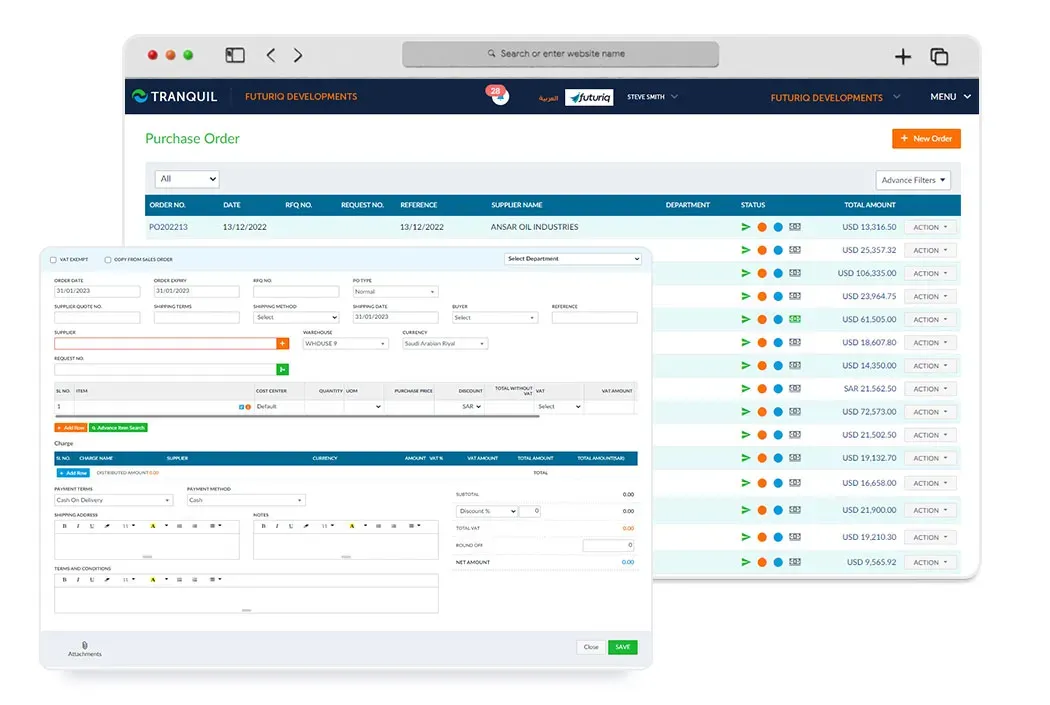
Purchase Orders
Create and manage purchase orders easily. Track the status of each order from creation to receipt with multi-level approvals.
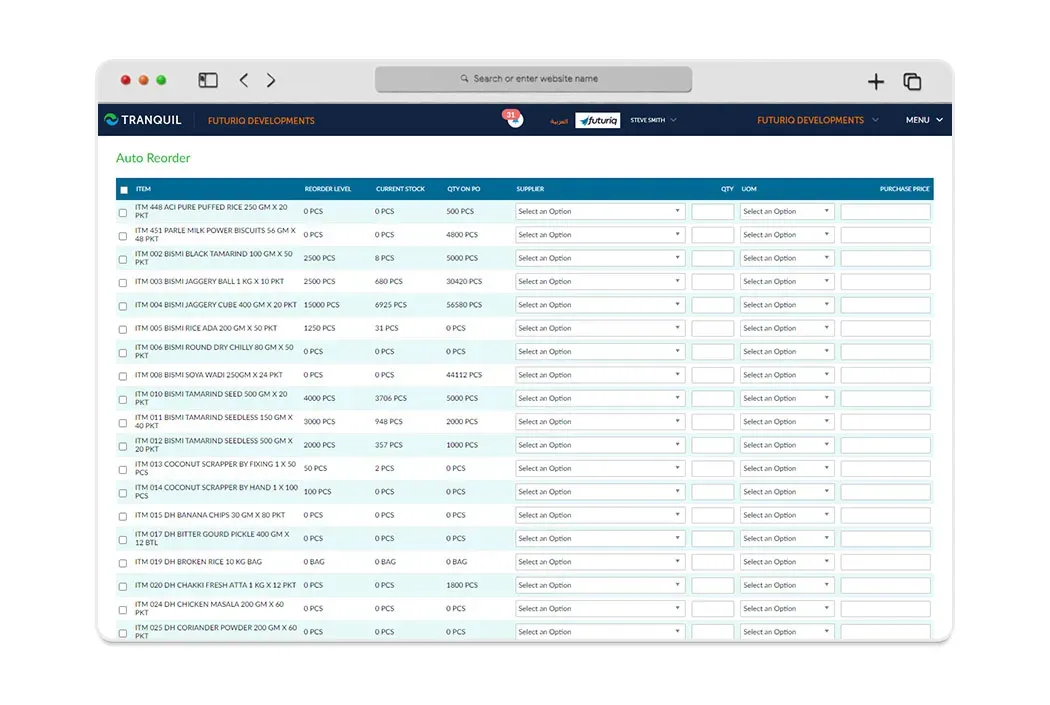
Request for Quotation (RFQ)
Send RFQs to multiple suppliers and compare quotes to get the best prices and terms.
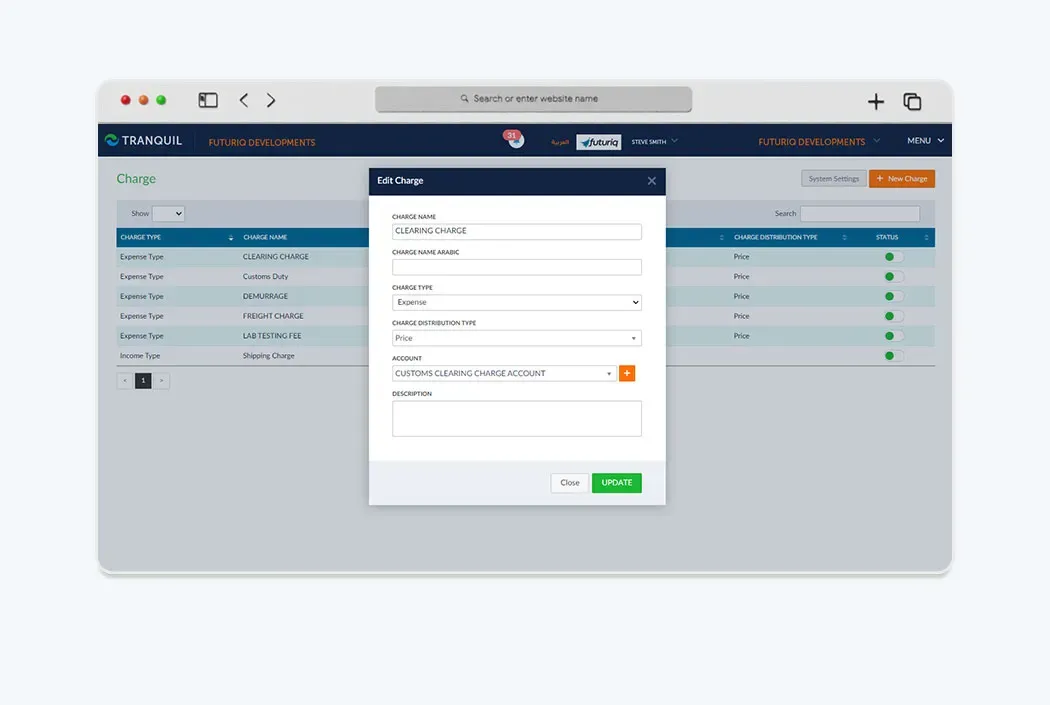
Goods Received Note (GRN)
Track goods receipt and match with purchase orders. Verify quality and quantities before entering into inventory.
3-Way Matching
Automatic verification of purchase order, goods receipt note, and invoice matching to ensure accuracy and prevent errors.
Purchase Requests
Enable employees to create purchase requests that go through an approval process before being converted to actual purchase orders.
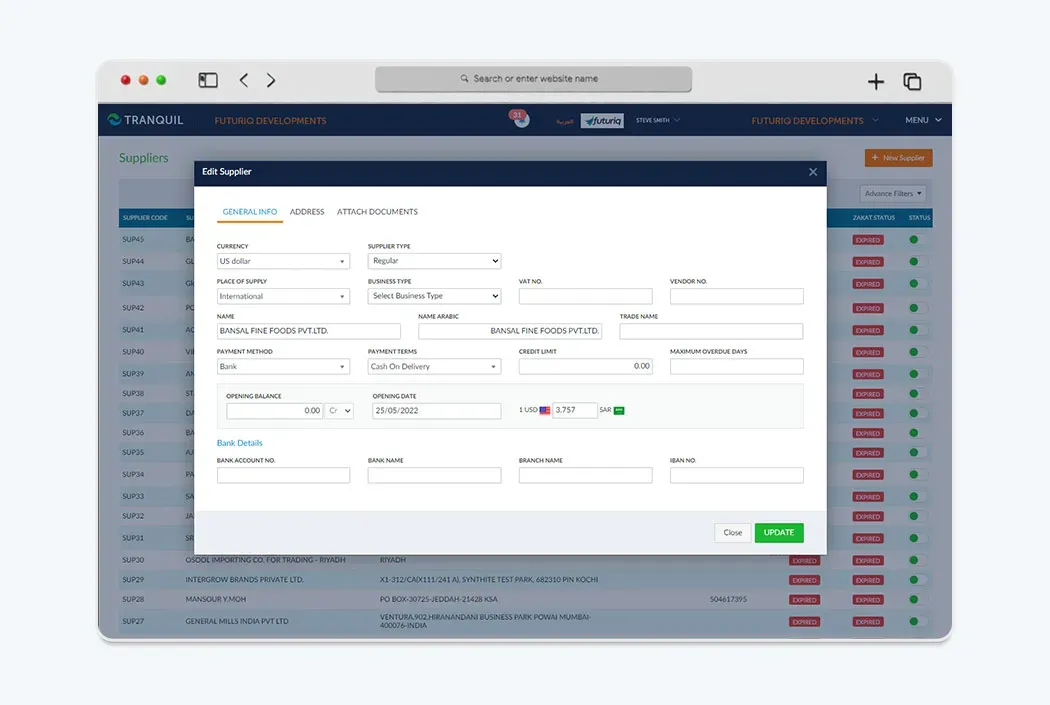
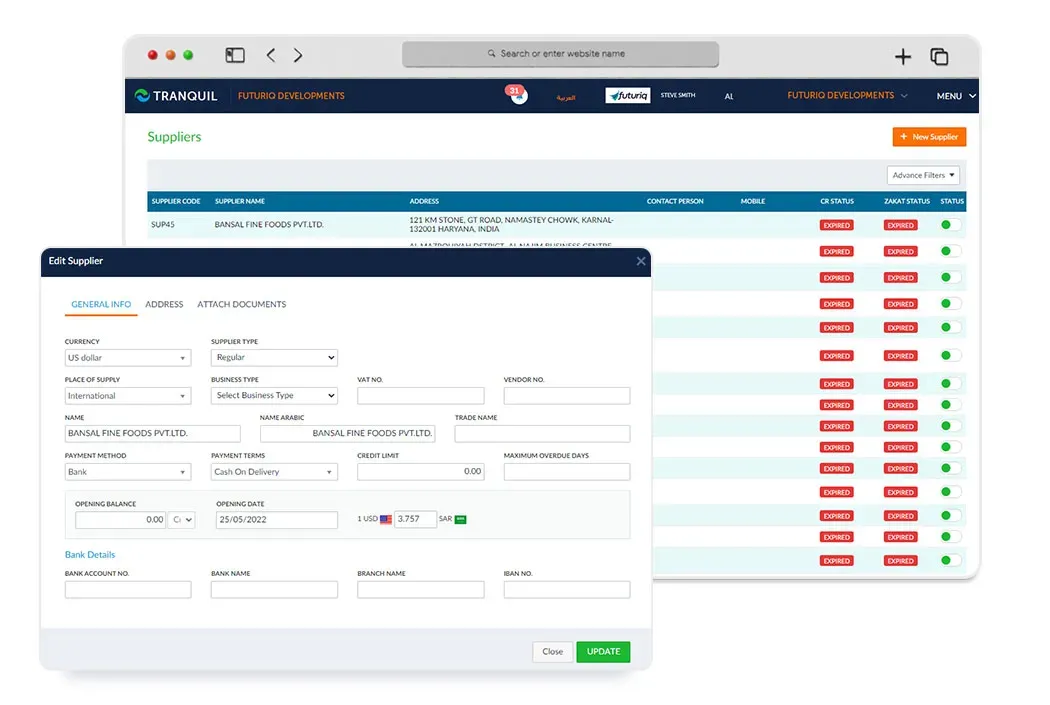
Supplier Management
Comprehensive supplier database with performance tracking and ratings. Build strong relationships with reliable suppliers.
What does the software do?
Tranquil purchase management software connects employee requirements, purchase requests, purchase orders, goods receipts and supplier invoices. Existing functions include requests, multi-level approvals, RFQs, quotation comparison, goods received notes, three-way matching and supplier records. Instead of passing an unclear request between departments, teams can refer to a document identifying items, quantities, supplier and status.
Procurement efficiency is not just the lowest price. Two quotations may differ in delivery dates, payment terms or quantities, and goods may arrive in part. Organising those details helps purchasing, warehouse staff and finance review the same transaction. The software does not guarantee a particular cost reduction or replace requirement checks, supplier assessment and approval of commercial terms.
How does the workflow work?
Begin with a purchase request stating the requirement and quantity, then route it through your company’s approval process. After approval, send RFQs to suitable suppliers and compare prices and terms before choosing an offer. Create the purchase order from approved information and review its status until goods arrive.
At receipt, record a goods received note and compare received quantities with the order. Use three-way matching to review the purchase order, goods receipt and supplier invoice before completing the financial processing. Investigate quantity or price differences with the responsible team rather than assuming matching makes every document correct. Keep supplier and transaction records as a reference for future purchases.
Who is it for?
Trading and distribution businesses use procurement to replenish items and meet branch requirements. Contractors may need site materials or equipment for a specific job; manufacturing buyers need to review material demand with inventory and planning. Approval paths differ between businesses, so bring examples of your actual requests to the evaluation.
Prepare a multi-item order, a comparison between two quotations and a partial receipt. Identify who raises the request, approves the order, confirms receipt and checks the invoice. Those details make a procurement system demonstration practical and clarify what belongs to the software and what remains a team responsibility.
What should you review before choosing software?
Evaluate purchasing with an approval request, competing quotations and a receipt below the ordered quantity, not only a completed order. Use non-confidential examples with items, units and suppliers. Assign ownership: the requester explains demand, a manager approves it, purchasing reviews offers, warehouse staff confirm receipt and finance checks the invoice.
Using the software in Saudi Arabia
Tranquil offers Arabic and English interfaces, with purchasing connected to accounting for purchase values, VAT and the currencies used by the business, including SAR. Recording and reviewing a supplier invoice differs from issuing an electronic sales invoice. The purchasing module should not be presented as a substitute for every invoicing obligation.
Discuss supplier data, tax identifiers, payment terms and item definitions during setup. Finance should review document treatment and when receipts and invoices are recognised. Structured records make review easier, but entering an incorrect document does not make it compliant.
Connecting Tranquil modules
Purchasing connects to inventory to review availability and record received items, to warehouses for receipt location, and to accounting for supplier invoices and payables. Project and manufacturing teams can discuss material requirements according to their selected modules. Shared data avoids redefining the supplier and item at each stage.
To improve the procurement process, review recurring requests, approval delays and receipt discrepancies. Use supplier records and quotation comparisons as review tools, not as an automatic verdict that one supplier is best. Ask for a demonstration that follows a request through receipt and invoicing so you can assess the whole cycle.
Request a Free Quote
We would be happy to show you our software and help you determine if Tranquil ERP is right for your business.
Contact UsFrequently Asked Questions
Can purchasing start with an employee request?
Yes. Purchase requests can pass through approval before conversion to purchase orders. Review your approval path during setup.
Can I compare supplier quotations?
Yes. RFQs support requesting and comparing supplier offers. Evaluate price, terms and delivery together.
What is three-way matching?
It compares the purchase order, goods received note and supplier invoice to identify discrepancies before financial processing.
How can I track goods receipt?
Record a goods received note against the order and review received quantities. Demonstrate your partial-receipt cases during evaluation to confirm handling.
Does purchasing connect to stock and finance?
Yes. Receiving connects to inventory and supplier invoices to accounting. Review the warehouses and accounts used in your configuration.
Does the software guarantee purchasing savings?
No savings percentage is promised. Organised approvals, quotations and receipts support review, while results depend on requirements, suppliers and purchasing decisions.